
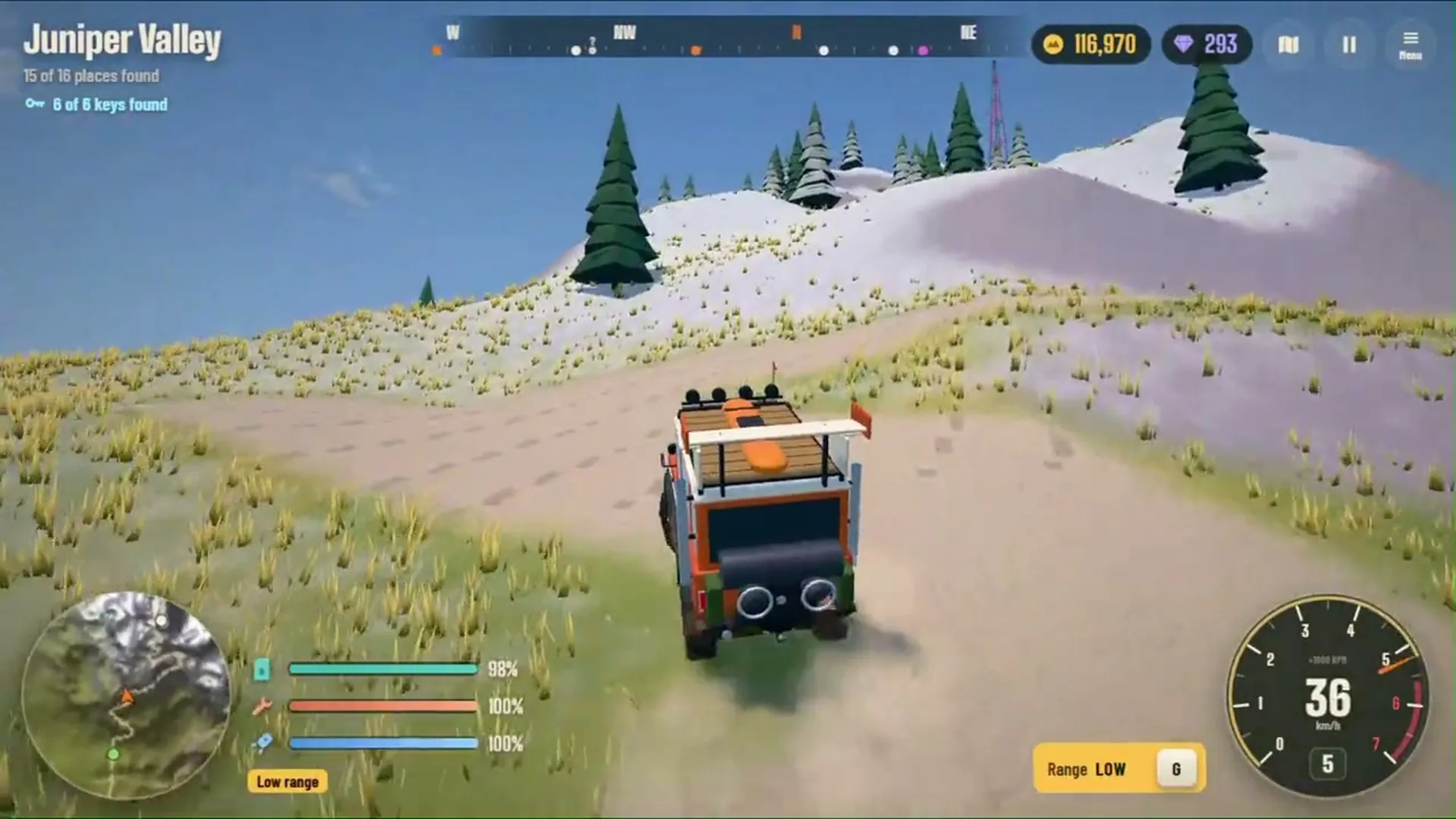
Ridgebound · Off-road guide
Ridgebound Winch Guide: How to Get Unstuck and Climb Difficult Terrain
Use the winch, low-range gears, boost and vehicle recovery to get unstuck and keep exploring the island.
Table of contents
Getting stuck is part of the adventure in Ridgebound. The island is filled with steep mountains, muddy trails, rocky valleys, deep rivers and other obstacles that can make off-road driving challenging.
When your vehicle cannot make it up a slope or gets trapped in difficult terrain, simply pressing the accelerator harder may not help. Ridgebound gives you several tools to handle these situations, including a winch, low-range gears, boost and a vehicle recovery control.
This Ridgebound winch guide explains how to use those tools, when to use them, and how to approach difficult terrain more carefully. Whether you're struggling with a steep climb or trying to recover from a bad landing, these driving tips can help you keep moving.
1. What Does the Winch Do in Ridgebound?
The winch is an off-road recovery tool.
Ridgebound lets you attach your winch to trees and rocks when your vehicle gets stuck. The winch can help pull your vehicle through difficult terrain when normal driving is not enough.
It is especially useful when:
- Your vehicle is stuck on a difficult slope.
- Your wheels are struggling to move through mud.
- You need help getting past an obstacle.
- Your vehicle has reached a position where driving forward is difficult.
The winch is not a replacement for good driving. It is another tool to use when the terrain becomes challenging.
2. How to Use the Winch in Ridgebound
On PC, the game's listed control for attaching or releasing the winch is Q.
Follow these general steps:
- Stop accelerating if your vehicle is not making progress.
- Look around for a suitable tree or rock that can serve as an anchor.
- Position your vehicle so the anchor can help pull you in the direction you want to travel.
- Press Q to attach or release the winch.
- Use the winch to help move your vehicle through the obstacle.
- Release it when you no longer need assistance.
The exact visual interaction and winch behavior should be checked in the current game version. If the game displays an on-screen prompt, follow that prompt.
Winch Tips for Better Recovery
- Choose an anchor that helps pull you toward a safer route.
- Avoid attaching the winch in a direction that makes the obstacle harder to clear.
- Release the winch when you have recovered and can continue driving normally.
- If one approach does not work, reposition your vehicle and try a safer angle.
3. When Should You Use Low-Range Gears?
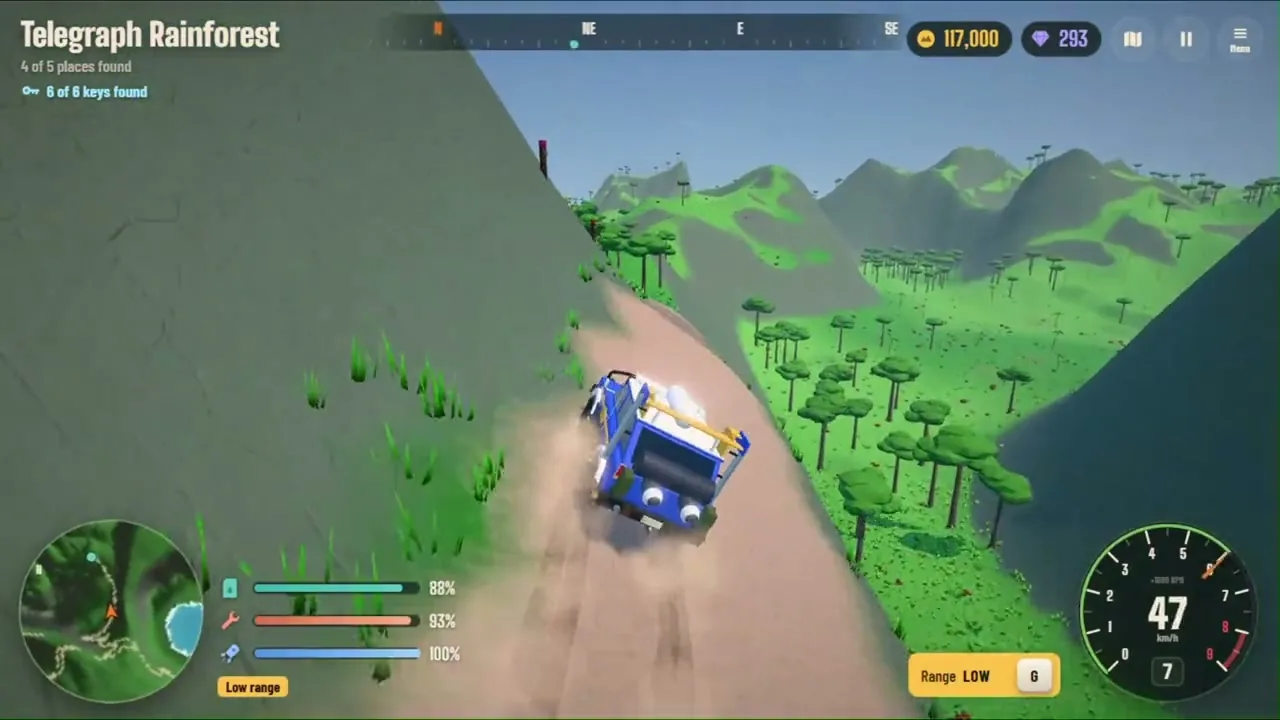
Low-range gears are useful for steep climbs and muddy terrain.
On PC, press G to toggle low-range gears, according to the game's listed controls.
Use low-range gears when:
- You are approaching a steep uphill section.
- Your vehicle is struggling on mud.
- You need more controlled movement over difficult terrain.
- You want to avoid rushing into an obstacle at high speed.
Low-Range Driving Tips
- Slow down before entering the difficult section.
- Switch to low-range gears when appropriate.
- Keep your steering inputs controlled.
- Avoid unnecessary sudden acceleration.
- If you become stuck, look for a winch anchor or another route.
Low-range gears are especially useful when careful progress matters more than speed.
4. How to Use Boost Without Losing Control
Boost can help power your vehicle across difficult terrain.
The PC control listed for boost is Shift.
Boost can be useful when you need extra momentum, but using it at the wrong time can make steering and landings harder.
- Use boost on a route where you have enough room to control the vehicle.
- Avoid activating it just before a sharp turn.
- Be cautious near narrow paths and steep drop-offs.
- Do not assume boost can solve every traction or positioning problem.
- If the vehicle is stuck against an obstacle, consider the winch or another route instead.
A good driver uses boost selectively rather than holding it constantly.
5. How to Climb Steep Hills in Ridgebound
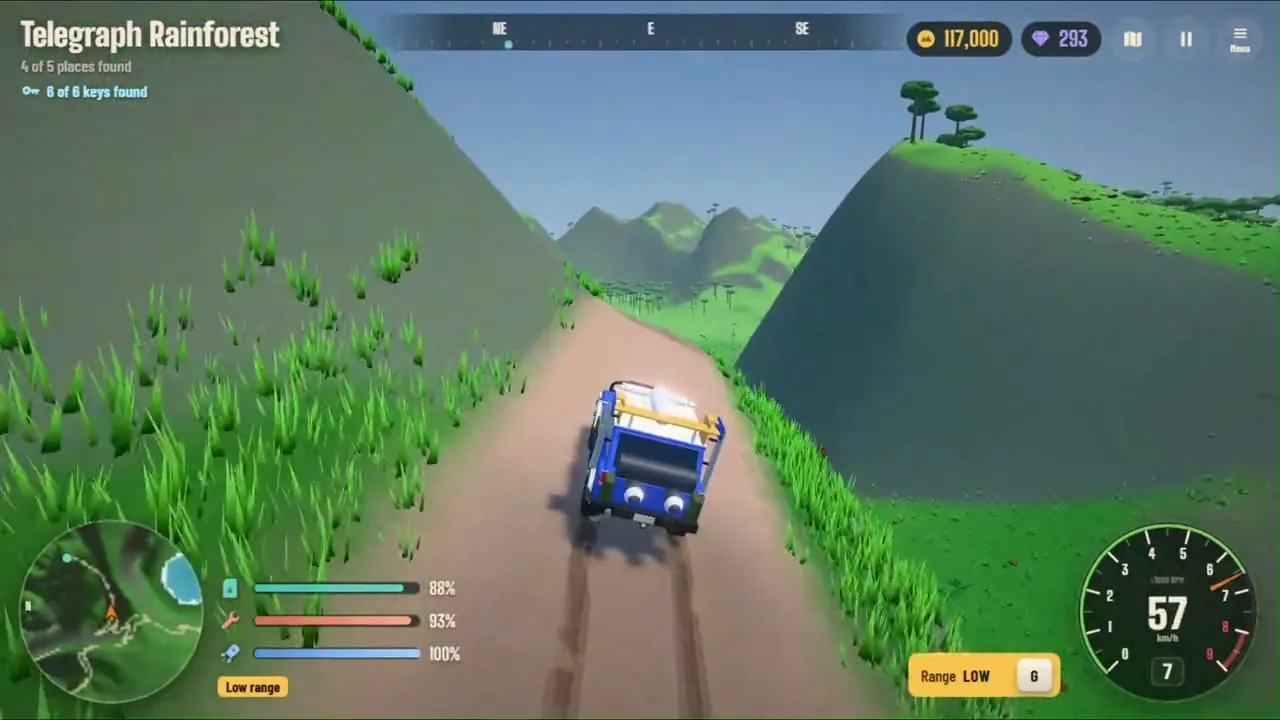
Steep hills can be difficult, especially when the route is uneven or slippery.
Use this approach:
Step 1: Look at the Route
Before climbing, check the slope and look for a path that gives your vehicle enough room.
Step 2: Choose a Controlled Approach
Avoid approaching a steep climb at an angle that could send the vehicle off the path.
Step 3: Use Low-Range Gears
Switch to low-range gears when the climb calls for controlled movement.
Step 4: Apply Throttle Carefully
Avoid sudden steering or acceleration inputs that could destabilize the vehicle.
Step 5: Use the Winch if Needed
If the vehicle cannot continue, look for a suitable tree or rock and use the winch to help pull it forward.
Step 6: Try Another Route
Not every slope needs to be climbed directly. A longer, safer route may be more effective.
6. How to Drive Through Mud
Mud can make off-road driving more difficult because your vehicle may struggle to move through it.
When approaching muddy terrain:
- Reduce speed before entering.
- Use low-range gears when appropriate.
- Keep your steering smooth.
- Avoid sudden changes in direction.
- Look for a firmer route around especially difficult sections.
- Use the winch if your vehicle becomes stuck and a suitable anchor is available.
Do not keep accelerating indefinitely if the vehicle is not moving. Stop, reassess the route, and use the recovery tools available to you.
7. How to Recover an Overturned Vehicle
Sometimes a difficult climb or jump can leave your vehicle upside down.
Ridgebound lists R as the PC control to flip the vehicle upright or reset it.
Use the recovery control when your vehicle is overturned or cannot continue from its current position. Before using it, consider whether you can safely recover through normal driving or the winch. If the vehicle is completely stuck or overturned, the reset control can save time.
8. Airborne Controls: Make Safer Landings
Ridgebound lets you control your vehicle while it is airborne. These controls can help you adjust the vehicle before landing.
| Key | Action |
|---|---|
| W / S | Pitch forward / backward |
| A / D | Roll left / right |
Tips for Better Landings
- Approach jumps with a stable line.
- Avoid making large corrections unless necessary.
- Use small airborne adjustments.
- Try to land on a surface with enough room to continue.
- Practice on manageable jumps before attempting more difficult ones.
The goal is not simply to get the vehicle as high as possible. A controlled landing helps you continue exploring.
9. Useful Ridgebound Off-Road Controls
Here are the main PC controls relevant to off-road driving.
| Key | Action |
|---|---|
| W / Up Arrow | Accelerate |
| S / Down Arrow | Brake / Reverse |
| A / Left Arrow | Steer left |
| D / Right Arrow | Steer right |
| Space | Handbrake |
| Shift | Boost |
| Q | Attach / release winch |
| G | Toggle low-range gears |
| R | Flip upright / reset vehicle |
| M / Tab | Open map |
| C | Change camera |
Mobile players use the in-game on-screen controls.
10. Common Winch and Off-Road Mistakes
Holding the Accelerator When Stuck
If the vehicle is not moving, more throttle may not solve the problem. Stop and consider using the winch or finding another route.
Choosing a Poor Winch Anchor
Think about the direction in which the anchor will pull your vehicle. A suitable anchor should help you move toward a safer path.
Forgetting Low-Range Gears
Steep climbs and mud are exactly the types of terrain where low-range gears can be useful.
Using Boost at the Wrong Time
Boost is helpful, but it is not always the best choice near sharp turns, narrow paths or difficult landings.
Ignoring Alternative Routes
A direct route is not necessarily the easiest route. Look for safer paths around obstacles.
Forgetting the Vehicle Reset Control
If your vehicle overturns, remember that the game lists R as the flip/reset control on PC.
11. Frequently Asked Questions
What key activates the winch in Ridgebound?
On PC, press Q to attach or release the winch, according to the game's listed controls.
What can you attach the winch to?
The game's description says the winch can attach to trees and rocks.
What does low-range gear do in Ridgebound?
Low-range gears help you tackle steep climbs and muddy terrain. The listed PC toggle key is G.
How do you use boost in Ridgebound?
Press Shift on PC to activate boost.
How do you flip your vehicle in Ridgebound?
Press R on PC to flip the vehicle upright or reset it.
What should you do if your vehicle gets stuck?
Stop repeatedly accelerating, look for a suitable tree or rock, and use the winch. You can also try low-range gears or find an alternative route.
Can you control your vehicle in the air?
Yes. Ridgebound lists airborne controls that let you pitch and roll your vehicle while it is in the air.
12. Final Thoughts
The winch, low-range gears, boost and vehicle recovery controls make Ridgebound more than a simple driving game.
Each tool has a different purpose. Use low-range gears for controlled progress through steep climbs and mud, the winch when you need help getting unstuck, boost when extra momentum is useful, and the reset control when your vehicle overturns.
Most importantly, learn to read the terrain before committing to a difficult route.
With practice, you'll spend less time stuck and more time exploring the island. Get behind the wheel, master your recovery tools, and keep exploring. For the full control list, see ourRidgebound beginner guide; to make your trips more productive, readhow to get coins in Ridgebound.
Ridgebound gameplay images are frames from the official Ridgebound trailer onCrazyGames. Controls and recovery mechanics were checked against the same game page.