
GTA VI · Combat guide
GTA 6 Combat Guide: How to Win Gunfights, Use Cover, and Survive
Learn how to handle gunfights in GTA 6: aim with care, use cover, defend yourself in close range, and make smarter decisions under pressure.
Table of contents
Combat in Grand Theft Auto VI requires more than simply pointing a weapon and pulling the trigger. Positioning, aiming, cover, and knowing when to move can make a major difference during dangerous encounters.
Whether you are playing as Jason or Lucia, understanding the combat system will help you handle enemy groups, survive unexpected attacks, and avoid wasting ammunition.
This GTA 6 combat guide explains the essential shooting controls, how to use cover, how melee combat works, and practical strategies for surviving difficult encounters.
Table of Contents
- 1.GTA 6 Combat Basics
- 2.GTA 6 Shooting Controls
- 3.How to Use Cover
- 4.Aiming and Shooting Tips
- 5.Melee Combat: Blocking and Dodging
- 6.Understanding Combat Focus
- 7.How to Survive Difficult Gunfights
- 8.Common Combat Mistakes
- 9.Frequently Asked Questions
1. GTA 6 Combat Basics
GTA 6 features several ways to handle dangerous situations, including firearms, hand-to-hand combat, defensive movement, and stealth.
You will encounter different types of threats throughout the game. Some situations require accurate shooting, while others may be easier to handle by using cover or avoiding unnecessary confrontation.
The most important combat skills to understand are:
- Positioning: Choose a useful location before engaging enemies.
- Aiming: Keep your weapon pointed toward the immediate threat.
- Cover: Use nearby objects to reduce your exposure to enemy fire.
- Movement: Avoid staying in one position for too long.
- Melee defense: Learn when to block or dodge incoming attacks.
- Resource management: Pay attention to your health, armor, and ammunition.
You do not need to fight every encounter aggressively. Sometimes creating distance or finding a safer position is the better decision.
2. GTA 6 Shooting Controls
Learning the basic controls makes combat much easier, especially during your first few missions.
The following controls describe the default PS5 layout.
| Action | PS5 Control |
|---|---|
| Aim weapon | Hold L2 |
| Shoot | Press R2 |
| Take cover | Press R1 |
| Draw or holster weapon | Press L1 |
| Switch aiming shoulder | D-pad Left |
These controls may differ if you change your controller settings.
Xbox players should check the in-game controller settings for the equivalent buttons.
3. How to Use Cover in GTA 6
Cover is one of the most important defensive tools in GTA 6.
Instead of standing in the open and exchanging shots with enemies, use nearby objects to reduce your exposure.
How to Take Cover
On the default PS5 controller layout:
- Move close to a suitable object, such as a wall, vehicle, or tree.
- Press R1 to enter cover.
- Hold L2 to aim from your position.
- Press R2 to fire.
- Release your aiming input when you want to stop exposing yourself.
Your character will use the nearby object as protection while aiming and shooting.
Choosing Better Cover
Not every object provides the same level of protection.
Consider these general principles:
- Prefer substantial objects over thin environmental decorations.
- Avoid remaining behind damaged or exposed cover for too long.
- Look for nearby alternative positions before the fight becomes dangerous.
- Pay attention to the direction of incoming fire.
- Do not assume that every wall or object will stop bullets.
Cover is useful, but it does not make you invulnerable.
When Should You Leave Cover?
You may need to move when:
- Enemies are attacking from another direction.
- Your current position becomes unsafe.
- You cannot get a clear shot.
- You need to reach another objective.
- Staying in the same location is making the encounter harder.
A good combat habit is to think about your next position before leaving your current one.
4. Aiming and Shooting Tips
Accurate shooting is more useful than firing continuously without considering your target.
Here are several practical ways to improve your gunfights.
Aim Before Shooting
Take a moment to line up your weapon before firing.
Rushing your shots can make it harder to deal with moving enemies, particularly when you are still learning the aiming system.
Watch Your Ammunition
Keep an eye on your ammunition display during longer encounters.
Reload or prepare another weapon when it is safe to do so. Running out of ammunition at the wrong moment can make an already difficult fight much harder.
Avoid Shooting Without a Clear Target
Firing randomly wastes ammunition and may make it harder to control the situation.
Try to identify the most immediate threat and aim deliberately.
Adjust Your Aim Settings
If aiming feels uncomfortable, check the game's targeting and controller settings.
Different players prefer different levels of aim assistance. Finding a comfortable setting can make a noticeable difference, especially if you are new to third-person shooting games.
5. Melee Combat: Blocking and Dodging
Not every encounter in GTA 6 involves firearms.
You may also find yourself fighting enemies at close range. In these situations, understanding the melee controls is essential.
On the default PS5 layout, the basic melee actions include:
| Action | PS5 Control |
|---|---|
| Fight / Punch | Square |
| Block | Hold X |
| Dodge | Tap X |
The game also provides opportunities to counter an opponent when you respond at the right moment.
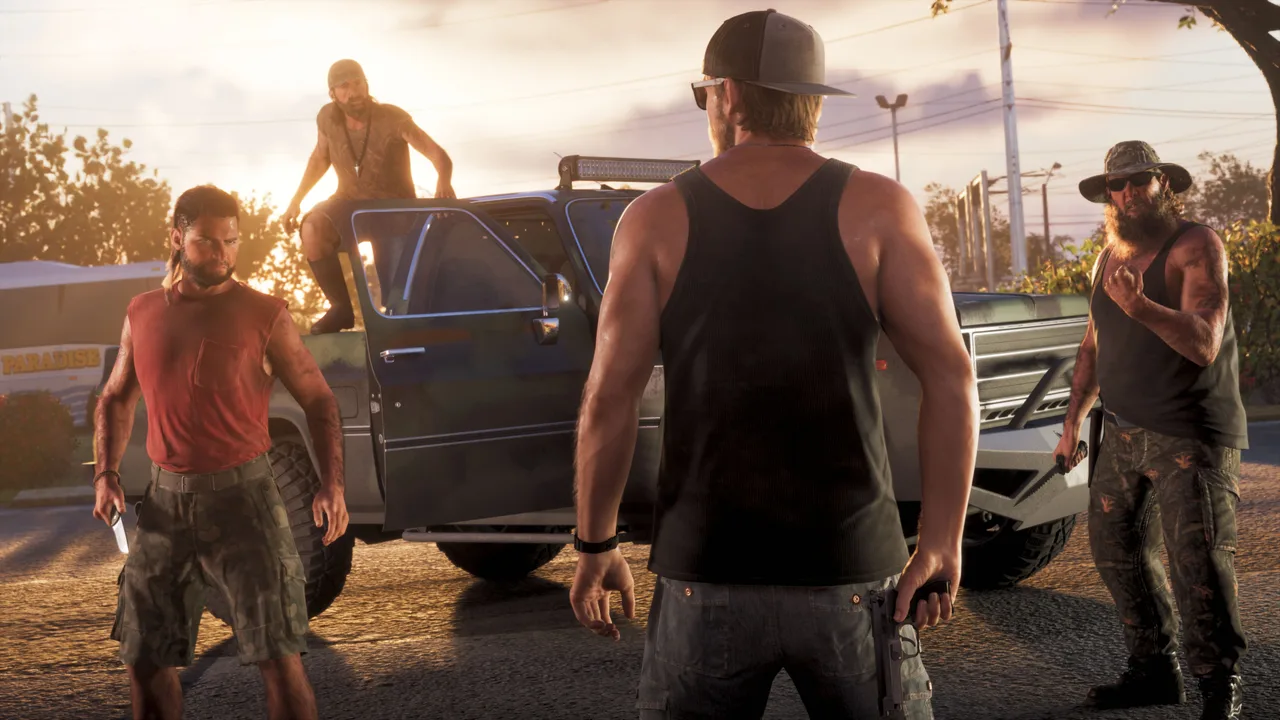
How to Handle a Fistfight
Follow these basic principles:
- Watch your opponent instead of attacking continuously.
- Block when you expect an incoming attack.
- Dodge when you need to avoid a strike.
- Look for opportunities to counterattack.
- Avoid rushing into multiple opponents without considering your position.
Timing matters more than simply pressing attack repeatedly.
If you are unfamiliar with the melee system, practice during easier encounters before relying on it in more dangerous situations.
6. Understanding Combat Focus
Combat Focus is an important feature to understand when learning the GTA 6 combat system.
It can help you assess a dangerous situation and make more deliberate decisions when aiming.
According to current gameplay guides, Combat Focus can slow down the action and highlight important target areas while aiming.
This gives you more time to evaluate your target instead of firing immediately.
When Should You Use Combat Focus?
Consider using it when:
- You need more time to aim carefully.
- You are dealing with a dangerous opponent.
- You want to make a more deliberate shot.
- You need to understand the target's vulnerable areas.
Combat Focus should be treated as a tactical tool rather than something you need to activate constantly.
Check the in-game Help menu and control settings for its current activation instructions and available options.
7. How to Survive Difficult Gunfights
Surviving a difficult encounter is often about making better decisions rather than dealing damage as quickly as possible.
Use these practical strategies.
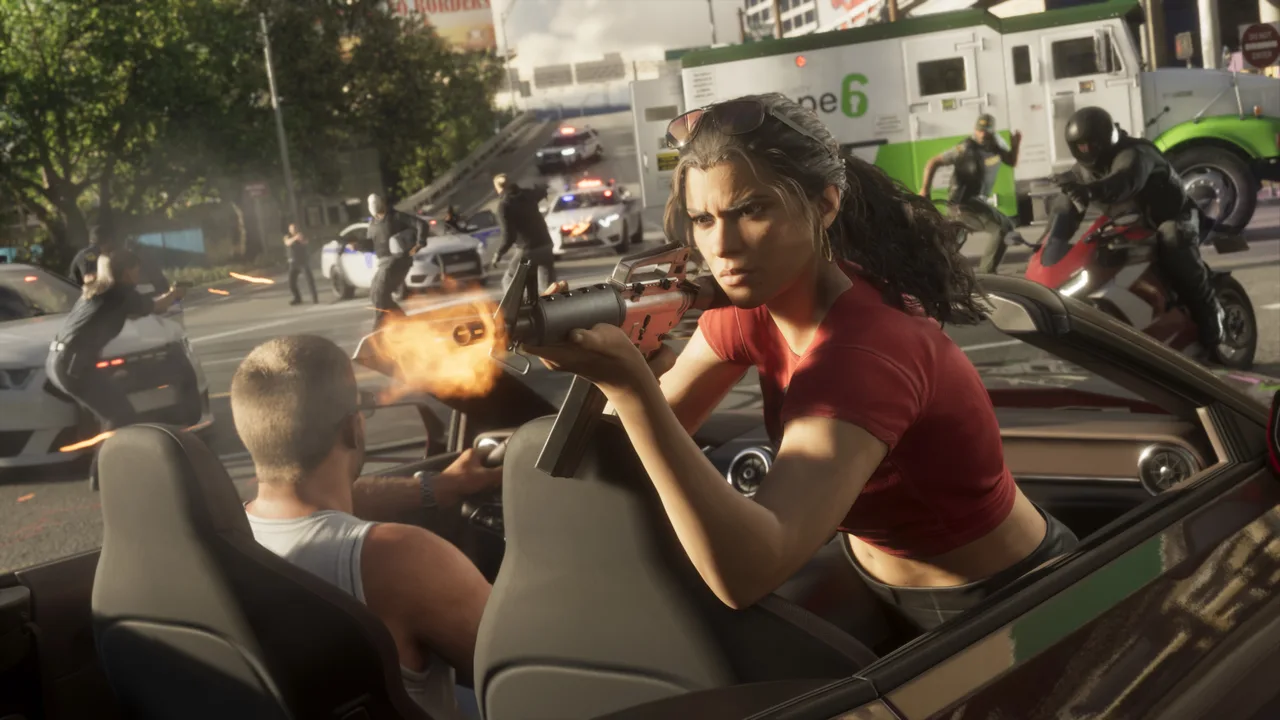
1. Find Cover Immediately
When a gunfight begins, look for nearby protection.
Do not remain exposed while trying to understand where every enemy is located.
2. Identify the Immediate Threat
Focus on enemies who are creating the greatest danger.
You do not need to engage every target at the same time.
3. Keep Moving When Necessary
Remaining in one location can make it difficult to respond when the situation changes.
Look for opportunities to reposition when your current location becomes unsafe.
4. Watch Your Health and Armor
Pay attention to your HUD during combat.
If your health or armor is getting low, reconsider your position and avoid unnecessary exposure.
5. Avoid Unnecessary Confrontations
Not every situation needs to become a large firefight.
If the mission allows another approach, consider whether fighting is actually necessary.
6. Prepare Before Starting a Mission
Before entering a dangerous mission area:
- Check your available weapons.
- Review your ammunition.
- Make sure you understand the controls.
- Pay attention to mission instructions.
- Avoid entering an encounter without knowing your basic options.
Preparation can prevent avoidable mistakes.
8. Common Combat Mistakes
New players often make several mistakes when learning GTA 6 combat.
Avoid these habits to improve your chances of surviving difficult encounters.
Standing in the Open
One of the easiest ways to get overwhelmed is to remain exposed while enemies are attacking.
Use cover whenever it is appropriate.
Firing Too Quickly
Continuous shooting without careful aiming can waste ammunition.
Take time to identify your target and control your shots.
Ignoring the HUD
Your health, armor, and ammunition indicators provide important information.
Check them regularly instead of waiting until you are in serious trouble.
Forgetting About Melee Defense
Players who only focus on firearms may struggle when enemies get close.
Learn the basic block and dodge controls so you are prepared for close-range encounters.
Staying in One Position Too Long
A position that is useful at the beginning of a fight may become dangerous later.
Be ready to move when the situation changes.
9. Frequently Asked Questions
How do you take cover in GTA 6?
On the default PS5 controller layout, move close to a suitable object and press R1 to take cover. Hold L2 to aim and press R2 to shoot.
How do you shoot in GTA 6?
On PS5, hold L2 to aim and press R2 to fire your weapon. Your controls may differ if you have customized the controller layout.
How do you block attacks in GTA 6?
During melee combat, hold X on the default PS5 layout to block incoming attacks. You can also tap X to dodge.
What is Combat Focus in GTA 6?
Combat Focus is an aiming-related feature that can slow down the action and help highlight important target areas. Check the in-game Help menu for activation details.
Can you avoid killing every enemy in GTA 6?
Some encounters offer alternatives to lethal combat, including incapacitating targets. The available options depend on the situation and the mission.
Is cover important in GTA 6?
Yes. Cover helps reduce your exposure during gunfights and gives you more time to aim, assess threats, and plan your next move.
Final Thoughts
GTA 6 combat rewards players who understand positioning, aiming, defense, and resource management.
Learn the basic controls, use cover when appropriate, and avoid rushing into dangerous encounters without a plan.
Most importantly, pay attention to what the game teaches you during missions. The in-game Help menu and control settings are useful resources whenever you need to check an unfamiliar mechanic.
With practice, you will become more comfortable handling gunfights and other dangerous situations throughout GTA 6.
For more practical advice, check out ourGTA 6 Beginner's GuideandGTA 6 First Hour Checklist.
Official GTA VI screenshots courtesy ofRockstar Games.